
To: All Staff (except MBS)
From: Staffing Office
Date: August 29, 2025
Subject: Vacant Shifts in ComVida
How to Know If There Is a Vacant Shift
You will receive a bidding board notification on your phone.
Open the Comvida App and tap the Menu Icon (☰ top left).
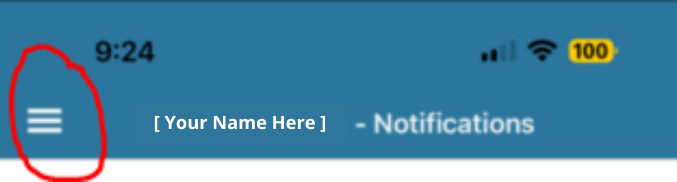
From the menu select BIDDING BOARD
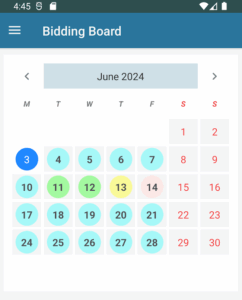
Color Legend
Blue = Today’s date (see bidding board)
Teal = Vacant shifts available to bid on
Green = You already bid on the shift (see bidding board)
Red = You declined the shift
Yellow = You partially bid on the shift (bid for a few hours of the shift, not the full shift)
When you see a teal circle that means a vacant shift is available to bid on.