

How to Download Your Christmas Party Photos
We’ve had some questions from staff on how to download, save and/or print your photos from the Christmas party. So here’s a quick tutorial on how to do that.
Step 1. Go to the Google gallery by clicking on this clink: Gallery Link (this is set to open in a new tab so you can still see these instructions)
Step 2. Scroll to the photo you want to save and click on it. The photo will get large. Click on the three dots in the top right corner to open the dropdown menu.
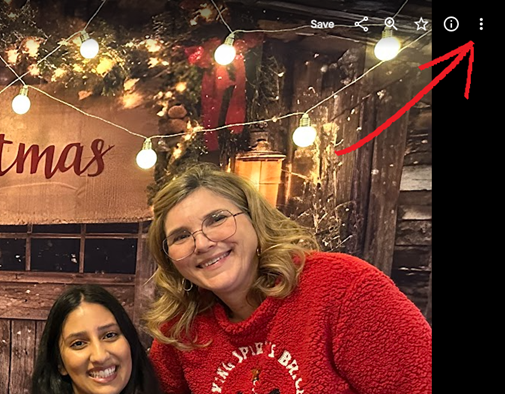
From the dropdown menu select DOWNLOAD to save the photo:
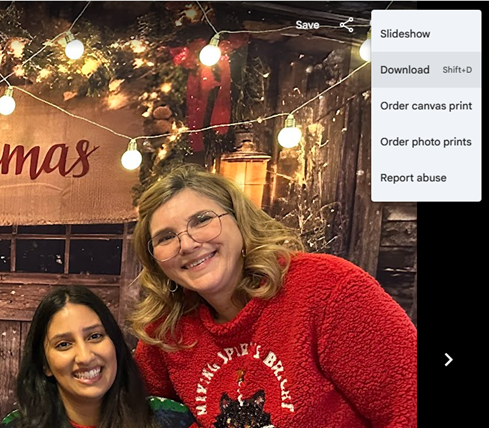
Save the photo to your phone or computer. You can now print it or share it as you like. If you have any questions or run into any problems please contact the communications team.